Voice Changer For Calls Plus Review

Read our comprehensive review of Voice Changer For Calls Plus. Discover how this Mac application delivers high-quality vocal effects and audio recordings.
The Perfect Tool for Creative Audio Pranks and Professional Voice Design
Imagine you are preparing a humorous audio clip for a friend, or perhaps you need to alter your vocal track for a creative project on your Mac. Standard audio editors can be overly complex, while cheap voice changers often degrade your audio quality to a point where it sounds completely artificial and distorted. This is where Voice Changer For Calls Plus voice modulation software steps in to bridge the gap between ease of use and high-fidelity output.
Developed by 飞凤 刘 and categorized under communication, this desktop utility offers Mac users a streamlined platform to record their voice and instantly apply realistic, high-quality acoustic effects. Unlike many low-budget alternatives on the market, this application focuses on maintaining premium recording quality throughout the entire transformation process.
Key Features of Voice Changer For Calls Plus Voice Modulation
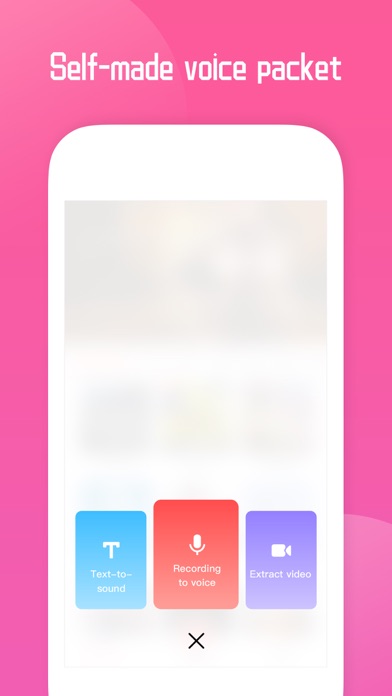
- High-Fidelity Recording: Capture your voice in crystal-clear quality before applying any of the built-in effects.
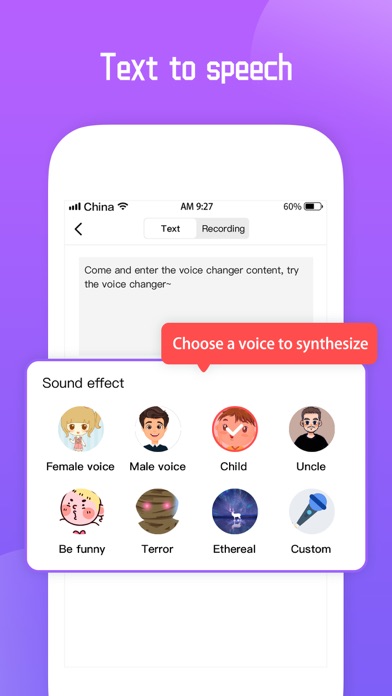
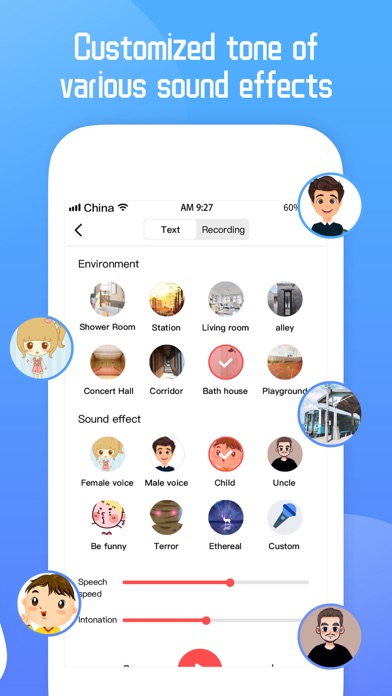
- Realistic Sound Effects: Access a diverse library of realistic vocal presets designed to sound authentic rather than synthetic.
- User-Friendly Interface: The straightforward layout ensures that even complete beginners can record, modify, and export their audio clips in seconds.
- VIP Subscription Tier: For users seeking continuous variety, an optional VIP subscription provides access to all current voice packages, with brand-new sound libraries added on a monthly basis.
Who Is This Application For?
The Voice Changer For Calls Plus voice modulation application is highly versatile. It is an excellent choice for content creators who need unique vocal assets for video production, online gamers looking to add some humor to their communication, or anyone who simply enjoys playing harmless audio pranks on friends. Because it operates on the Mac platform, it integrates smoothly into your desktop media workflow, allowing for quick recording sessions without the need for complex digital audio workstations (DAWs).
Subscription Details and Management
While the app is free to download and explore, unlocking the premium suite of effects requires a VIP Subscription. Payments are billed directly to your iTunes Account upon confirmation. The subscription features an automatic renewal system which will charge your account within 24 hours prior to the end of the current billing cycle. Users can easily manage these settings or disable auto-renewal at any time by visiting their official Apple Account Settings after purchase.
How to Get Started
If you are ready to elevate your audio projects with realistic vocal transformations, this tool is well worth considering. To explore the application firsthand, view developer details, or read user feedback, head over to the official App Store page on your Mac and discover what Voice Changer For Calls Plus voice modulation can do for your creative audio workflow.