

Android Studio
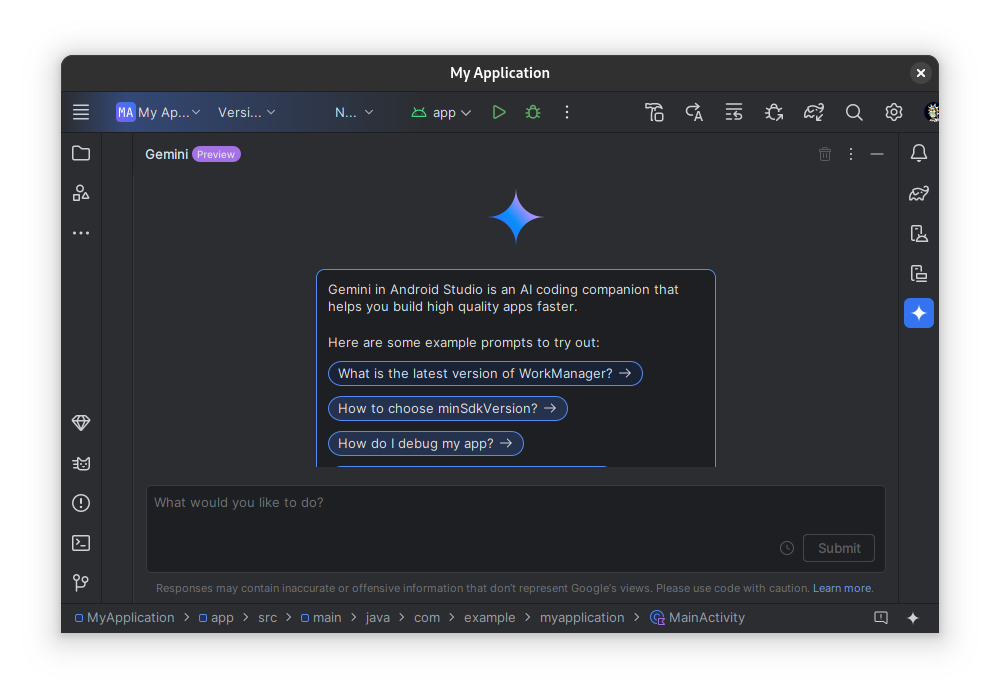
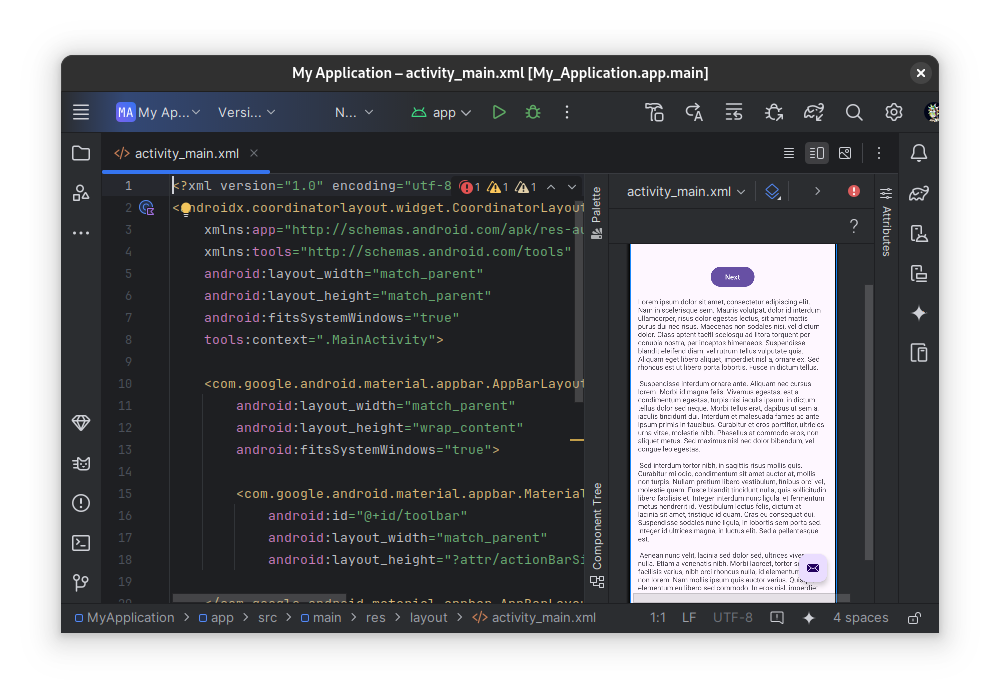
Discover how Android Studio, the premier IDE for Android app development, empowers Linux developers to design, test, and deploy high-quality mobile apps.
When it comes to building modern mobile experiences, Android Studio IDE for Android app development stands as the industry-standard environment for creators worldwide. Tailored specifically for the Linux platform, this community-supported flatpak release brings the full power of Google’s development suite to open-source environments, allowing engineers to write, debug, and optimize code with unparalleled efficiency.
Why Android Studio IDE for Android App Development is Essential
For developers targeting the global Android ecosystem, having an environment optimized specifically for the platform is crucial. Built on the robust JetBrains IntelliJ IDEA foundation, this application provides a specialized workspace that streamlines everything from layout design to complex backend integrations.
Key Features That Drive Developer Productivity
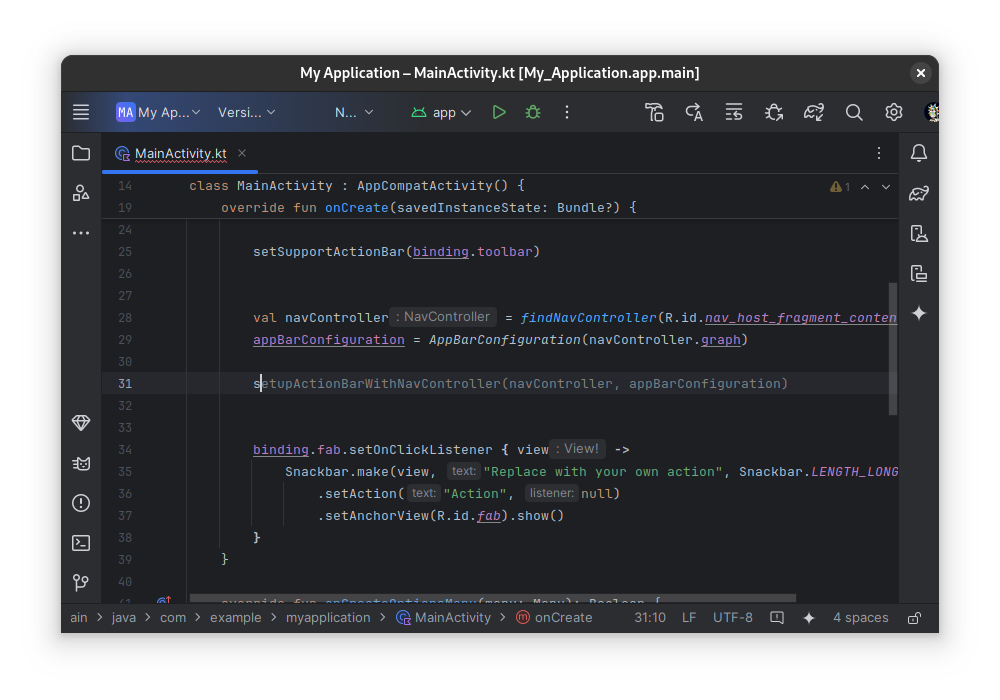
- Intelligent Code Editing: Benefit from advanced code completion, refactoring tools, and deep code analysis designed to catch performance and usability issues early.
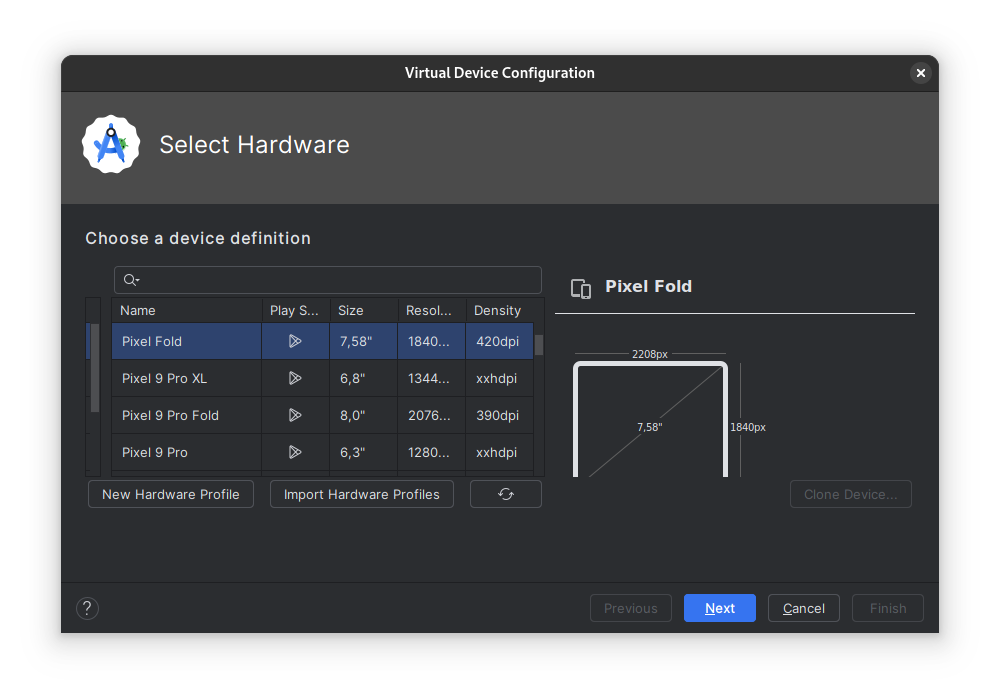
- Feature-Rich Emulator: Test your applications across virtual devices faster than ever, simulating various hardware configurations and screen sizes.
- Live Edit Capabilities: Update your Jetpack Compose code and see the visual changes reflected in real time on emulators or physical testing devices.
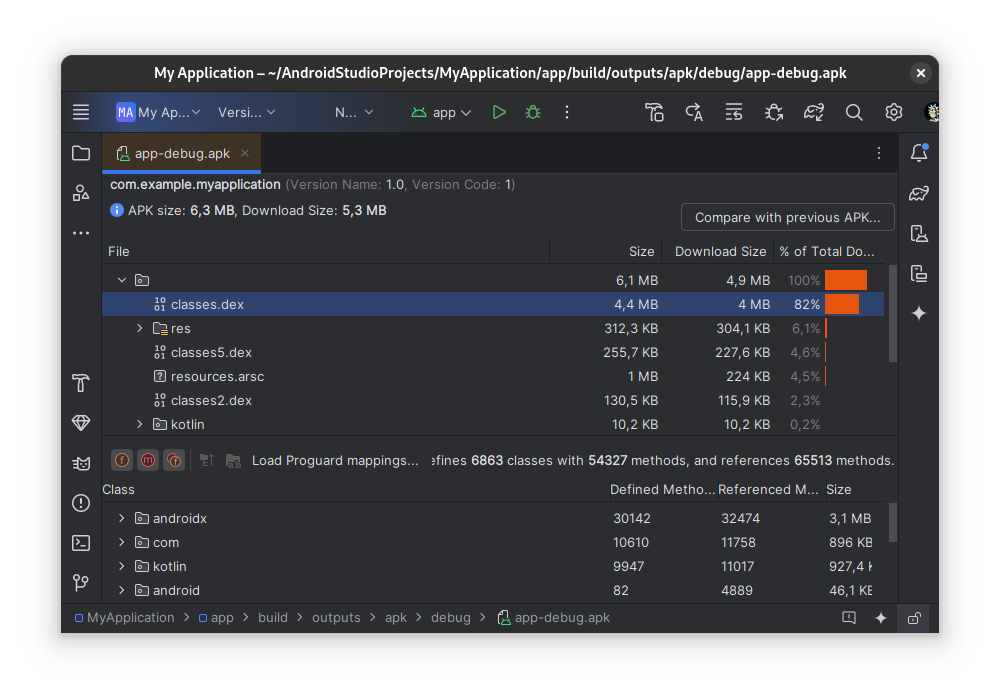
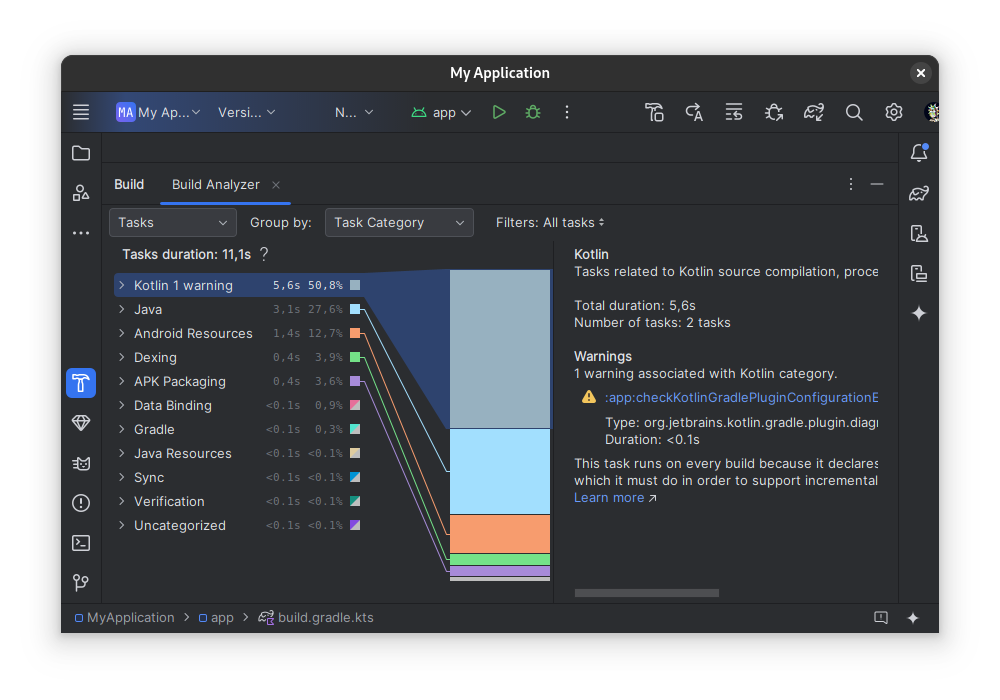
- Flexible Build Automation: Utilize a highly adaptable Gradle-based build system to manage dependencies and generate multiple APK or AAB variants easily.
- Cloud and Service Integration: Leverage built-in support for Google Cloud Platform to effortlessly connect tools like Google Cloud Messaging.
Who Benefits Most From This IDE?
Whether you are an independent creator launching your first project or an enterprise engineer working on large-scale systems, this tool adapts to your workflow. With native support for C++ and the NDK, alongside built-in lint tools and testing frameworks, it accommodates both high-level UI designers and low-level system programmers looking to maximize application efficiency.
Is Android Studio the Right Choice for Your Linux Setup?
If you are serious about mobile engineering, the Android Studio IDE for Android app development is an indispensable asset. It consolidates layout design, performance profiling, and code generation into a single, cohesive workflow. To explore this powerful development tool further or to begin your next project, visit the official Flathub store page today.