

Fluent Terminal
Discover Fluent Terminal, a modern UWP-based terminal emulator for Windows. Read our review to see how it elevates your command-line workflow.
A Modern Terminal Emulator for Windows Power Users
For developers, system administrators, and tech enthusiasts, the command-line interface is the nerve center of daily operations. The Fluent Terminal emulator for Windows steps in as a highly polished, modern alternative to traditional console hosts, blending the raw utility of command-line tools with a sleek, user-friendly interface. Developed by FS Apps, this utility is built on the Universal Windows Platform (UWP) and modern web technologies to deliver a fluid, highly customizable environment for managing your system.
What Can You Do with Fluent Terminal?
Unlike basic command prompts, the Fluent Terminal emulator for Windows is designed to handle complex, multi-environment workflows without cluttering your desktop. Here is how you can integrate it into your daily technical tasks:
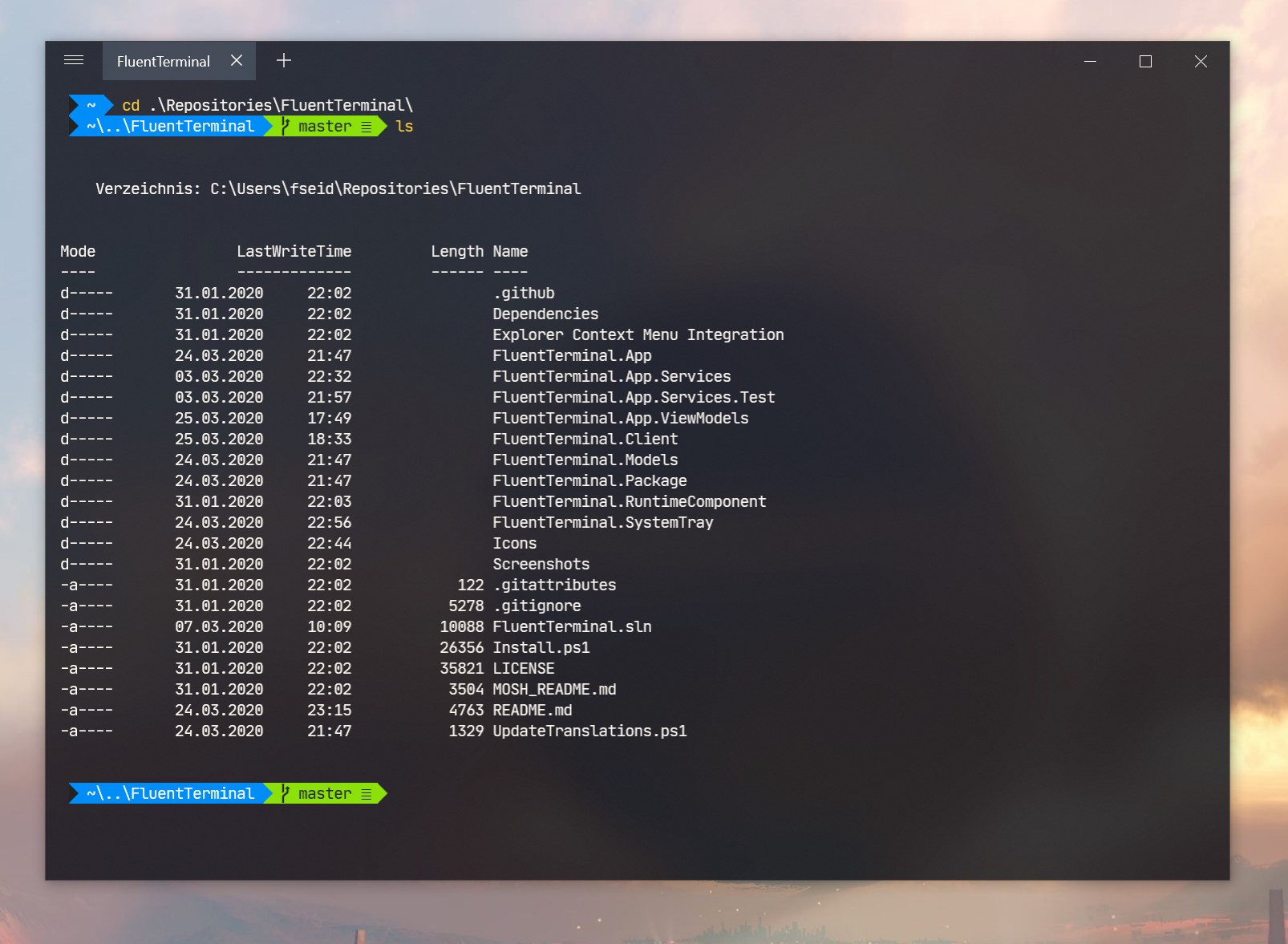
- Consolidate Your Shells: Run PowerShell, Command Prompt (CMD), Windows Subsystem for Linux (WSL), or any custom shell side-by-side within a single, organized interface.
- Manage Remote Servers: Take advantage of built-in support for SSH and Mosh connections to securely manage remote infrastructure without needing separate third-party clients.
- Organize with Tabs and Windows: Keep your workspace clean by grouping different sessions into tabs or splitting them into separate windows when multitasking demands extra screen real estate.
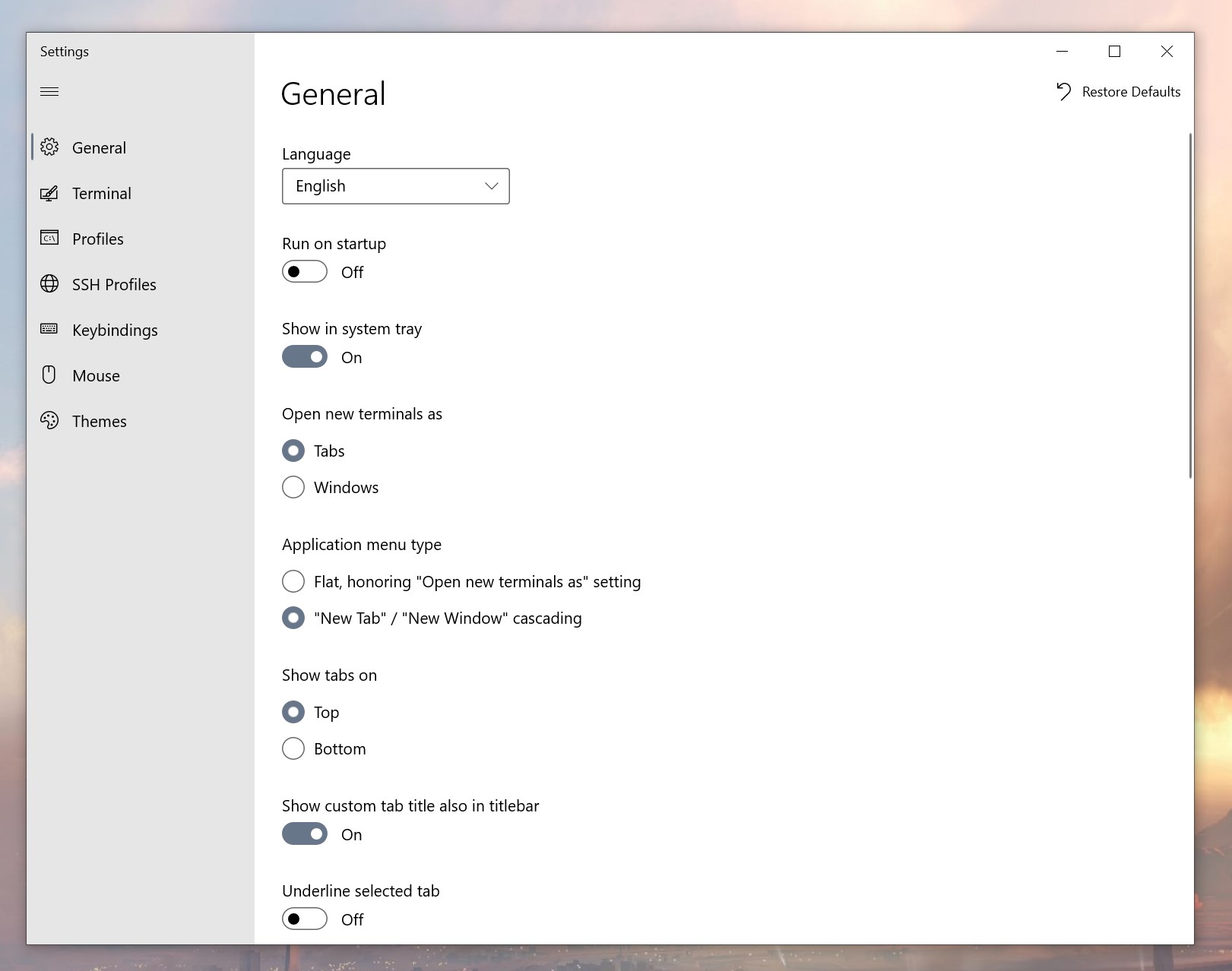
- Tailor the Aesthetics: Personalize your workspace with extensive appearance configurations, import or export custom themes, and even apply your favorite iTerm themes.
- Optimize Your Workflow: Navigate quickly using the search function, work distraction-free in fullscreen mode, and define your own editable keybindings for rapid execution.
Who Is This Terminal Emulator For?
This tool is an excellent fit for IT professionals and developers who require a robust, shell-agnostic environment. The ability to configure unique shell profiles allows you to jump between local development, Linux environments, and remote servers in seconds. Additionally, with its clean context menu integration for Windows Explorer, launching a terminal instance in your current working directory is incredibly straightforward.
Our Verdict
The Fluent Terminal emulator for Windows succeeds in bringing a modern, visually cohesive aesthetic to command-line operations. By uniting multiple shells under a single, highly configurable roof, it significantly reduces desktop friction for power users. If you are ready to upgrade your command-line experience, you can find more details and download the app on the official Microsoft Store page.