
PortX SSH Client
An in-depth review of PortX, a lightweight cross-platform SSH and SFTP client designed for streamlined remote system management and secure terminal emulation.
Streamlining Remote System Administration
Managing remote servers and network infrastructure requires tools that balance security with operational simplicity. The PortX SSH Client is a lightweight, cross-platform terminal emulator designed to simplify remote system management. Developed by NetSarang Computer, Inc., this tool caters to system administrators, developers, and IT professionals who need a reliable, no-nonsense environment for secure shell access and file transfers on Windows.
Whether you are managing cloud instances, configuring local virtual machines, or executing remote scripts, having a clean workspace is essential. The PortX SSH Client addresses this by focusing on core terminal essentials, avoiding unnecessary bloat while delivering robust performance.
What Can You Do with PortX?
Instead of wrestling with complex configurations, this utility provides a straightforward workflow for daily operations. Here is a look at what you can actually achieve with this tool:
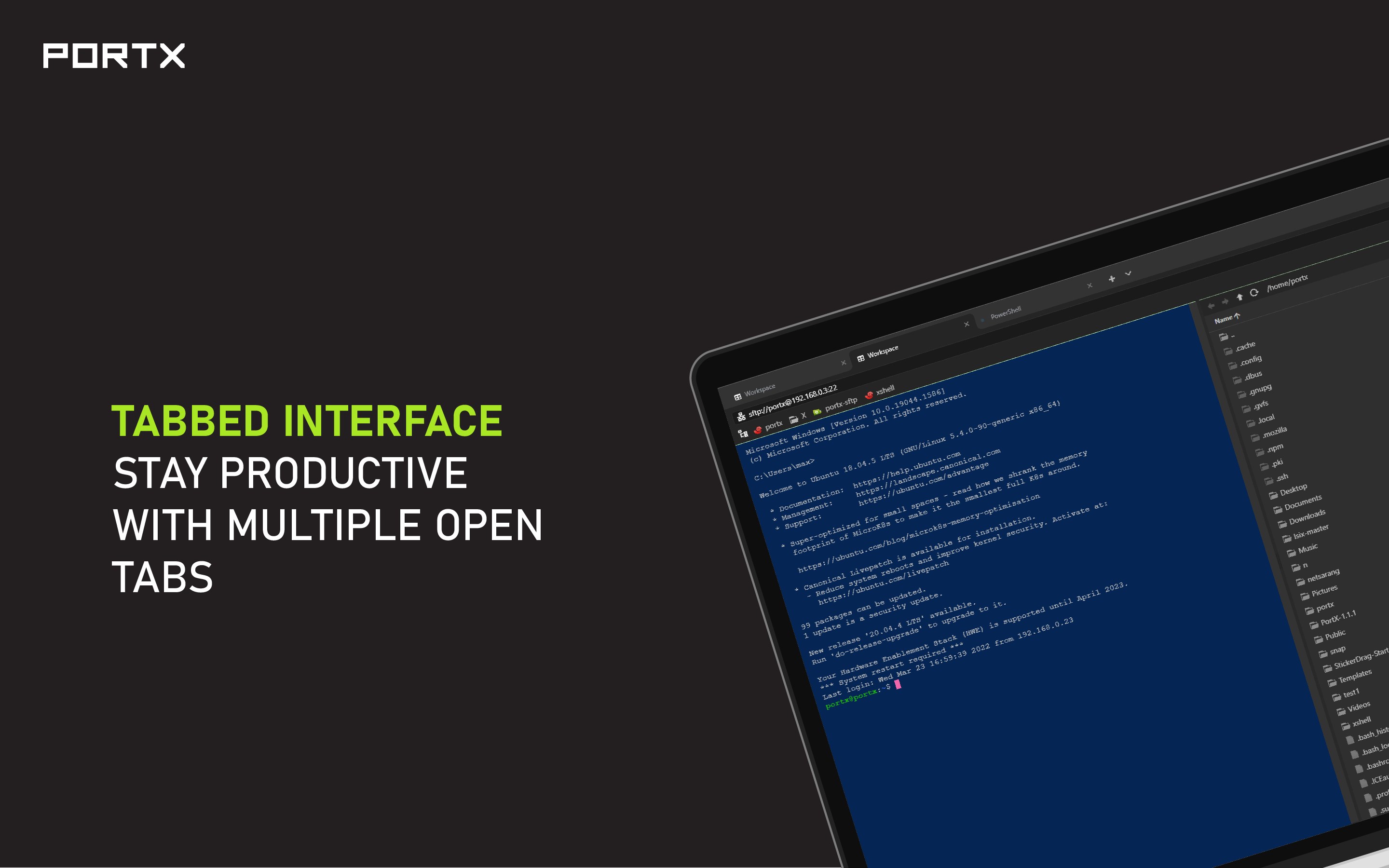
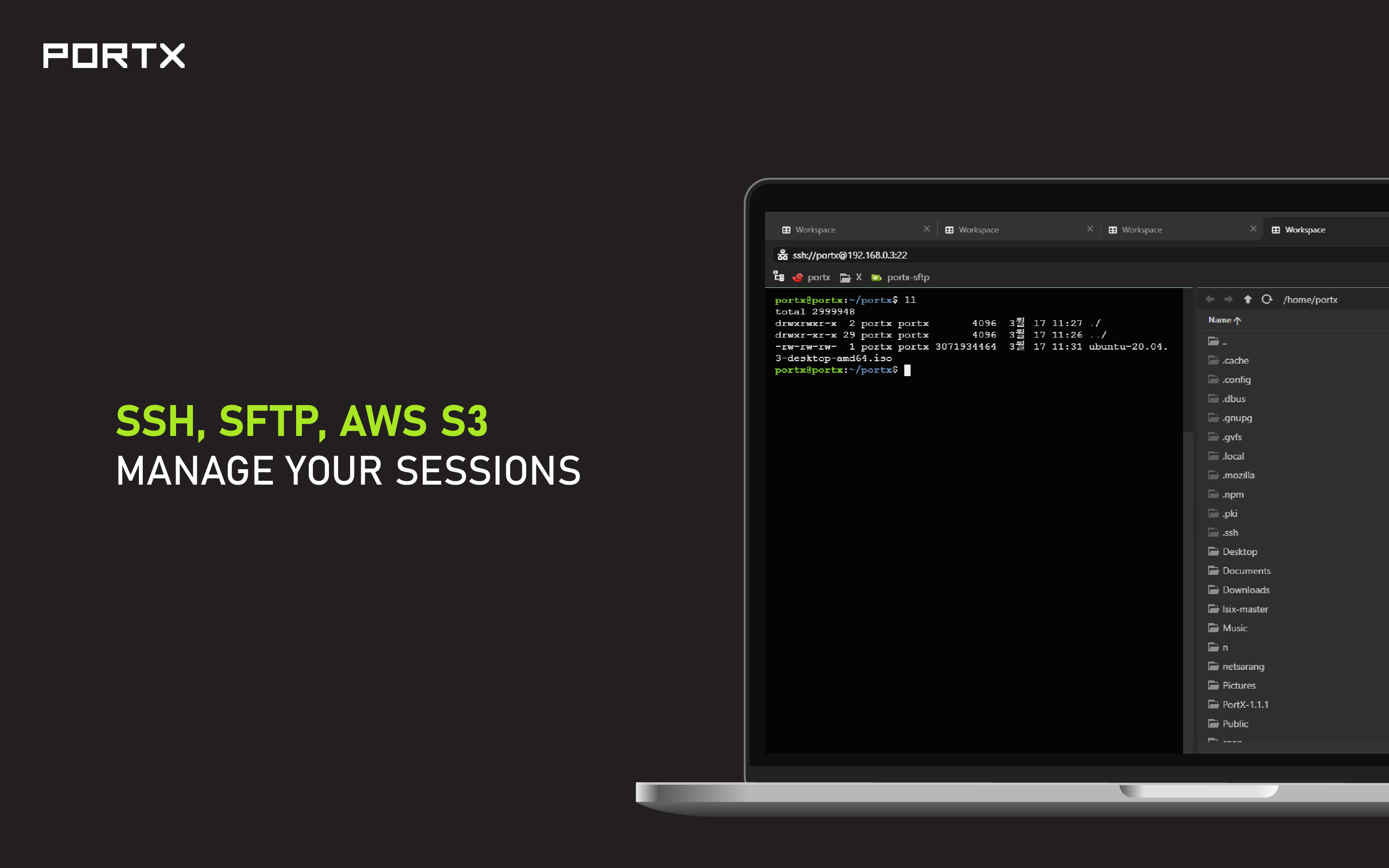
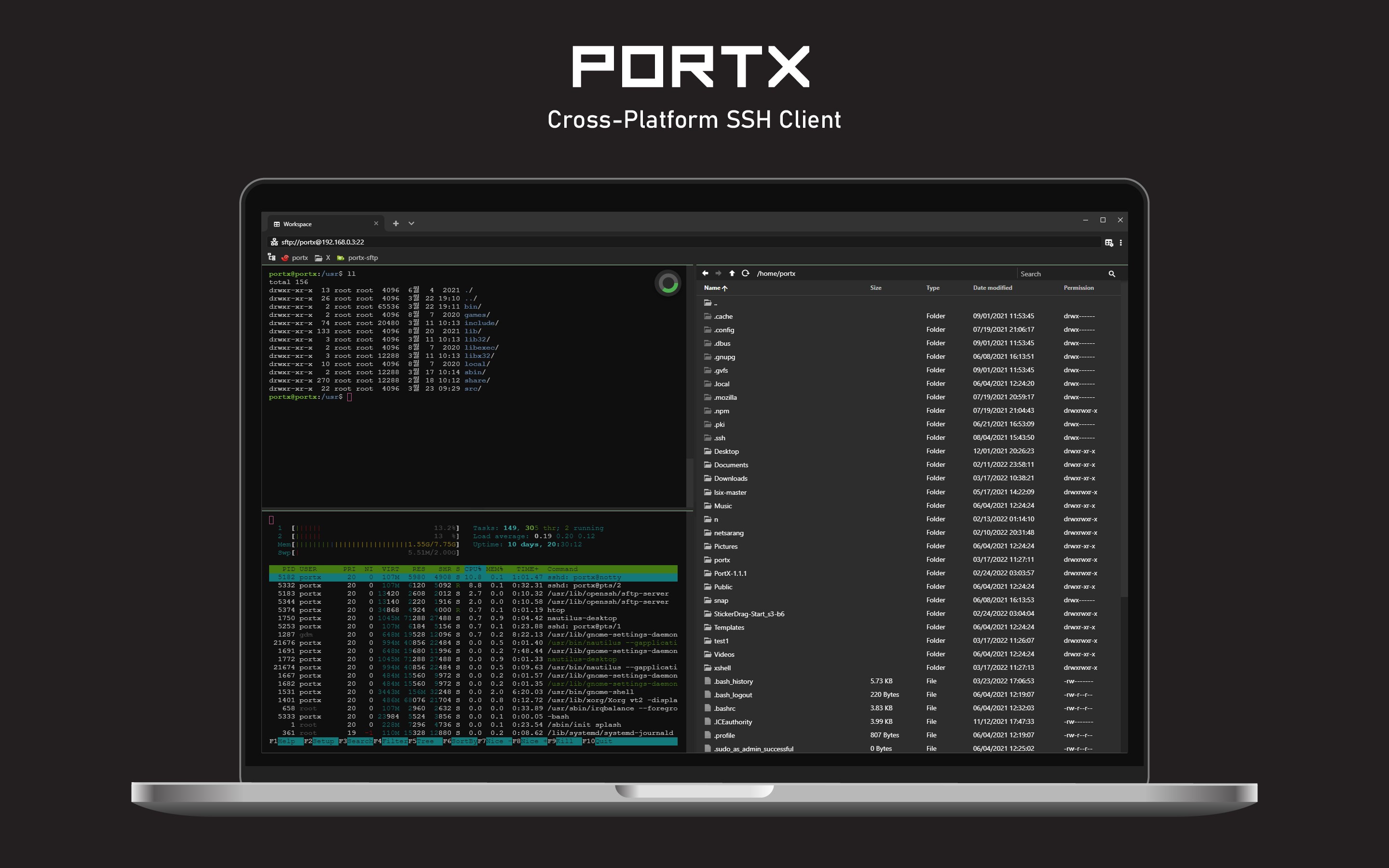
- Manage Multiple Sessions Seamlessly: Organize your active connections using a clean, tabbed user interface. This allows you to jump between different remote servers without cluttering your desktop.
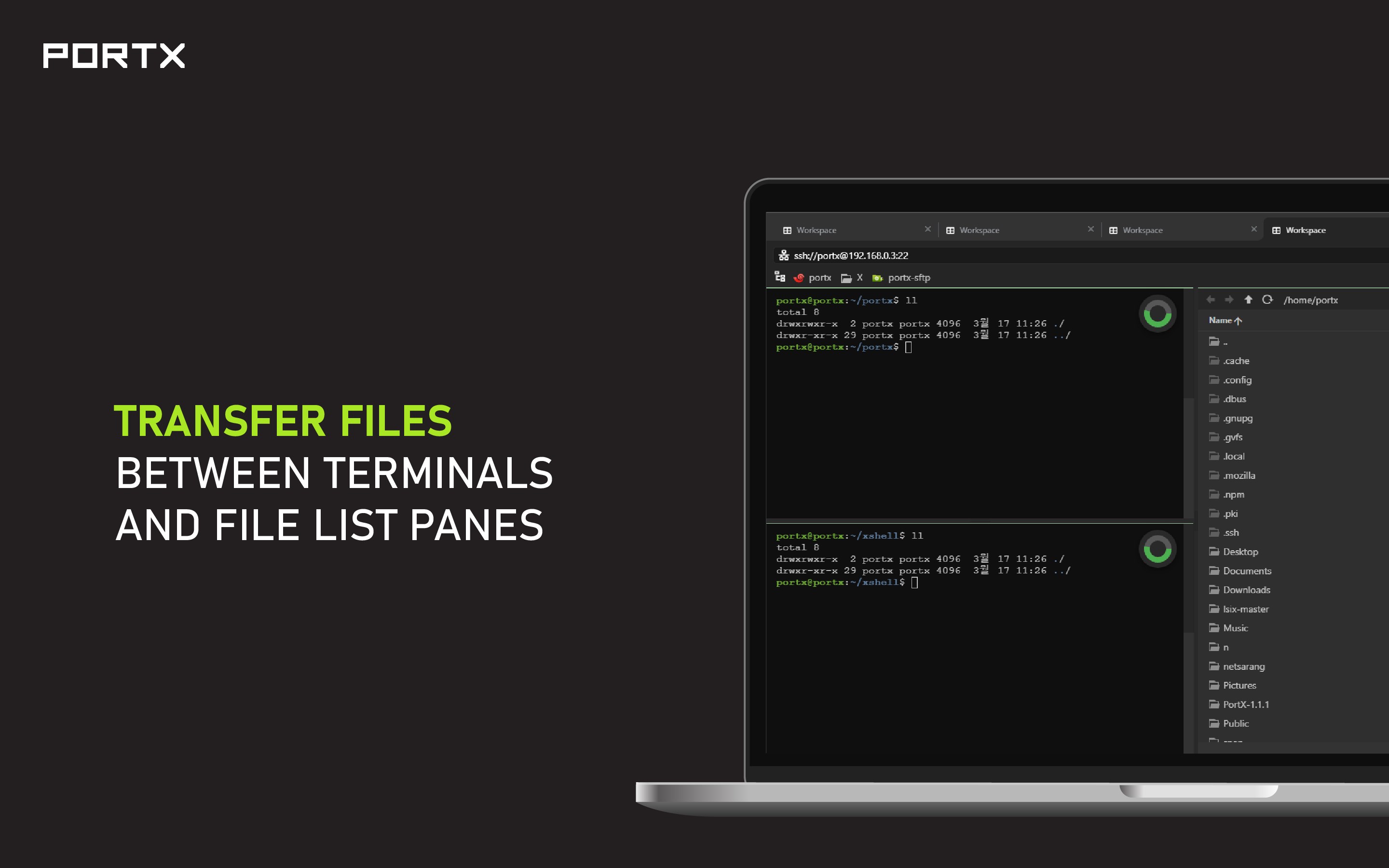
- Secure File Transfers: With an integrated SFTP client, you can securely upload and download files directly within your workflow, eliminating the need to open a separate application for file management.
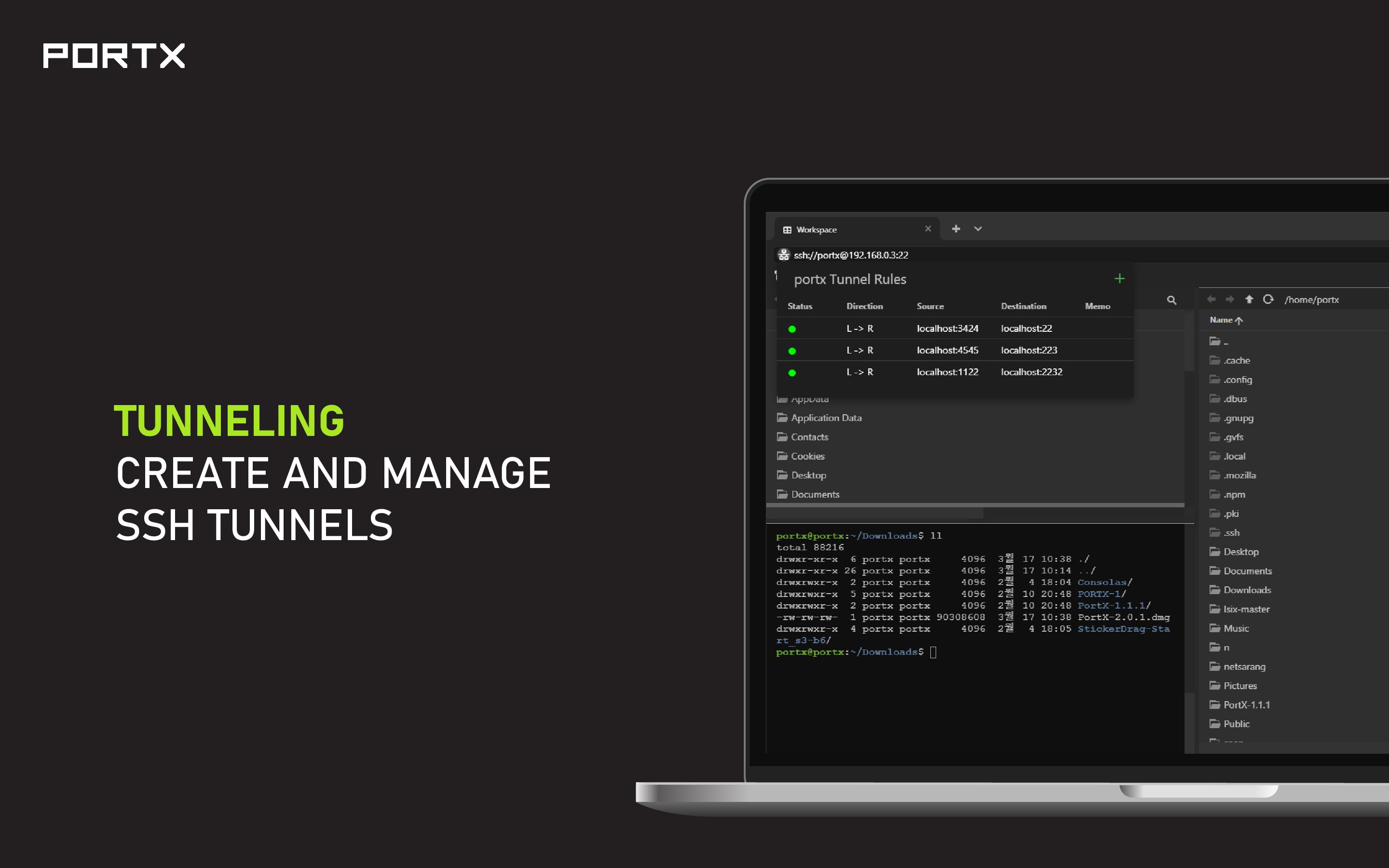
- Advanced Port Forwarding: Set up Local, Remote, and SocksV5 port forwarding, as well as X11 forwarding, to secure your network traffic and access restricted services.
- Flexible Authentication: Connect to remote systems using password authentication, public/private key pairs, keyboard-interactive methods, or agent forwarding.
Key Features for Enhanced Productivity
The utility includes several quality-of-life features that enhance the standard terminal experience. The split-pane view allows you to monitor multiple systems side-by-side, while custom key mapping lets you tailor the keyboard shortcuts to your existing habits. Additionally, a quick-access address bar makes connecting to new hosts as simple as typing an IP address or hostname.
Visual customization options let you adjust the terminal appearance to match your preferences, and the built-in search tool helps you find specific keywords in dense scrollback buffers. Best of all, the interface remains clean and ad-free, keeping your focus entirely on your command-line tasks.
Important Transition Notice
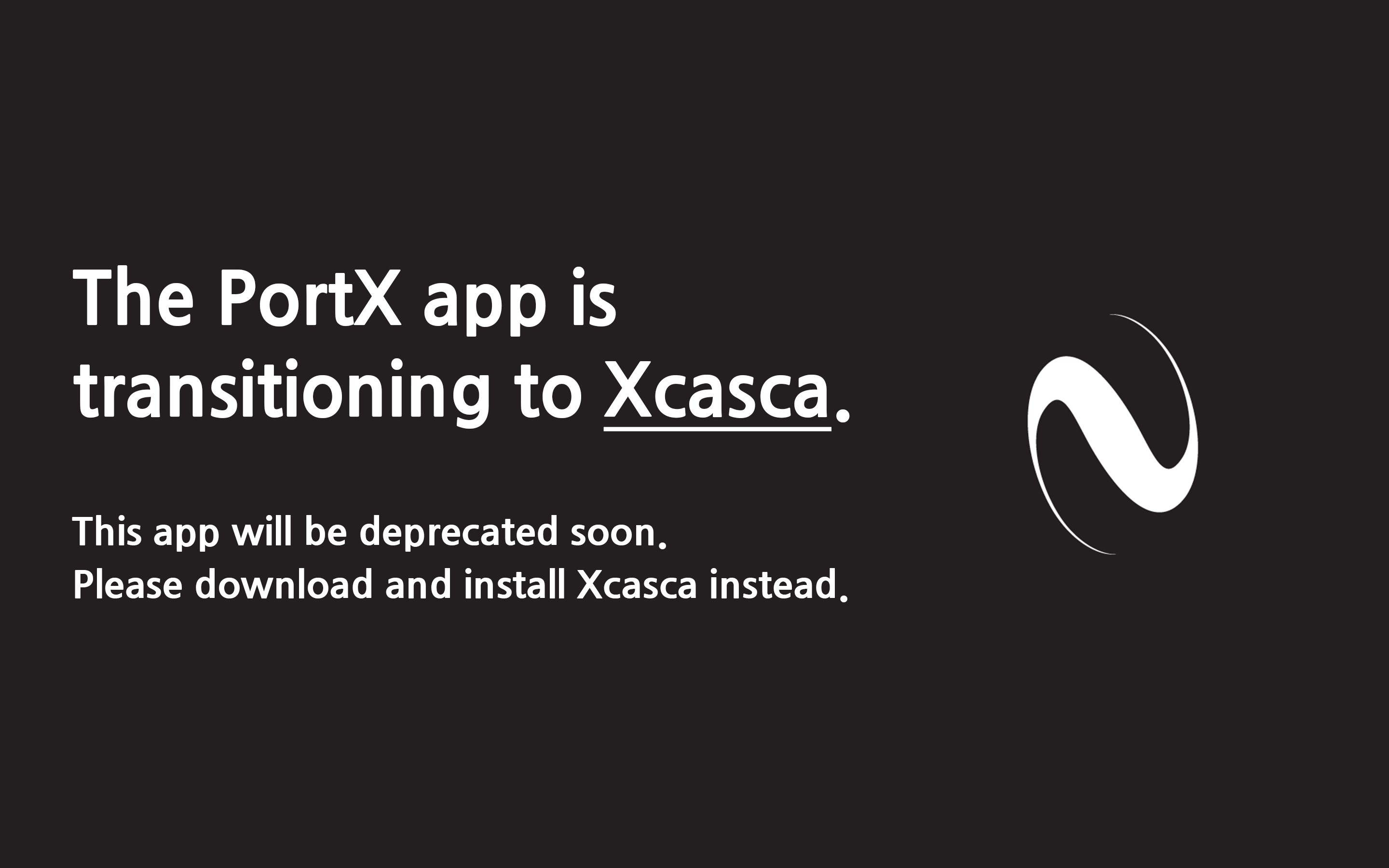
If you are considering integrating this tool into your daily routine, please note that the developer, NetSarang Computer, Inc., has announced that this specific application is scheduled for deprecation. Users are encouraged to transition to their updated application, Xcasca, which serves as the modern successor to PortX. Moving to the newer version ensures you receive ongoing updates, security patches, and active support.
Conclusion
The PortX SSH Client stands out as a highly functional, tabbed terminal emulator that simplifies secure remote access. While it remains a solid representation of lightweight terminal design, new users should look toward its successor for long-term deployment. To explore the software or transition to the updated version, visit the official Microsoft Store page.