

Windows Terminal
Discover how the Windows Terminal command-line tool consolidates PowerShell, Command Prompt, and WSL into a powerful, multi-tabbed developer environment.
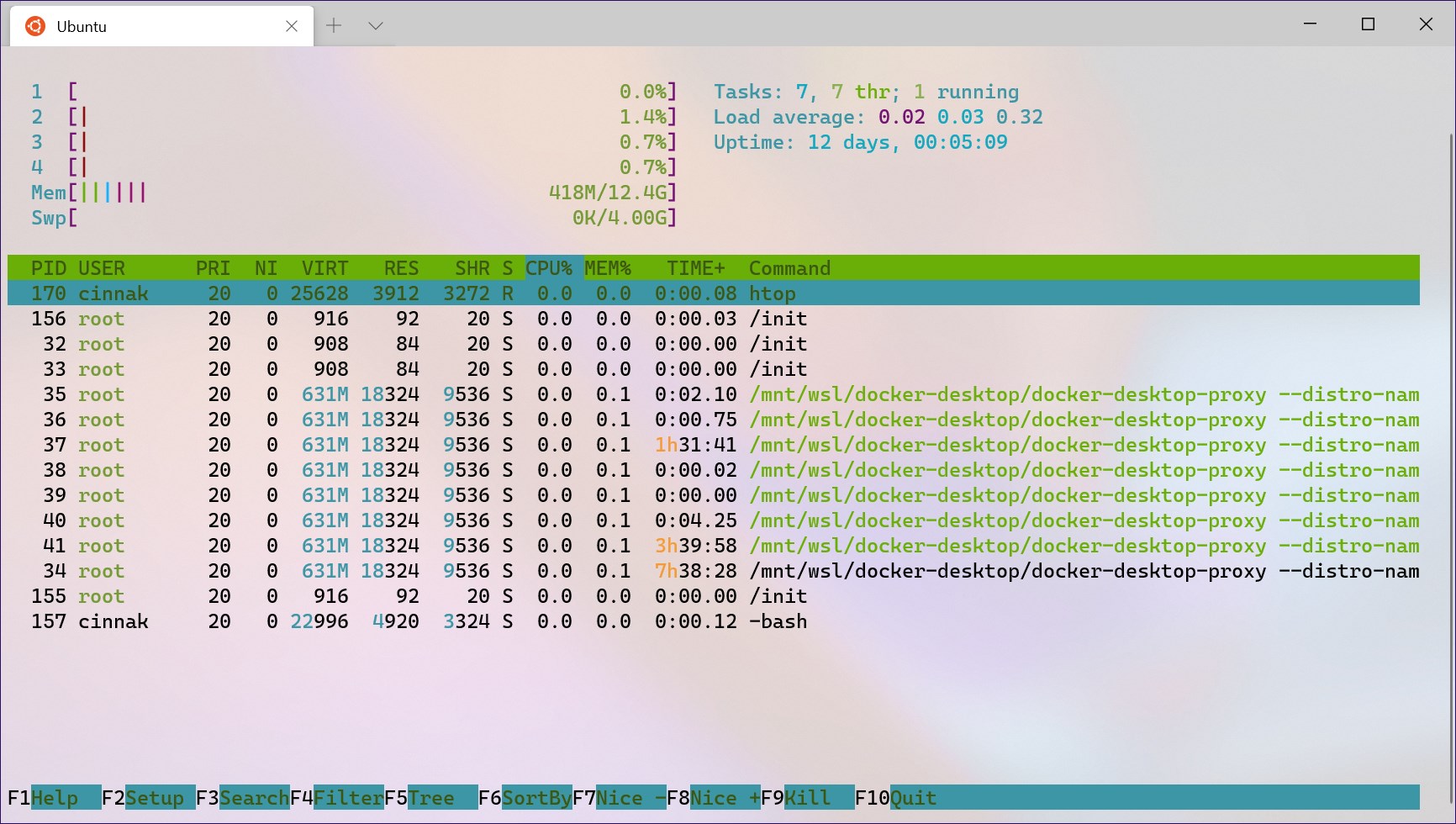
For developers, system administrators, and power users, managing multiple command-line environments has historically been a fragmented experience. The Windows Terminal command-line tool solves this pain point by uniting tools like PowerShell, Command Prompt, and the Windows Subsystem for Linux (WSL) into a single, highly customizable tabbed interface.
Why the Windows Terminal Command-Line Tool Changes Everything
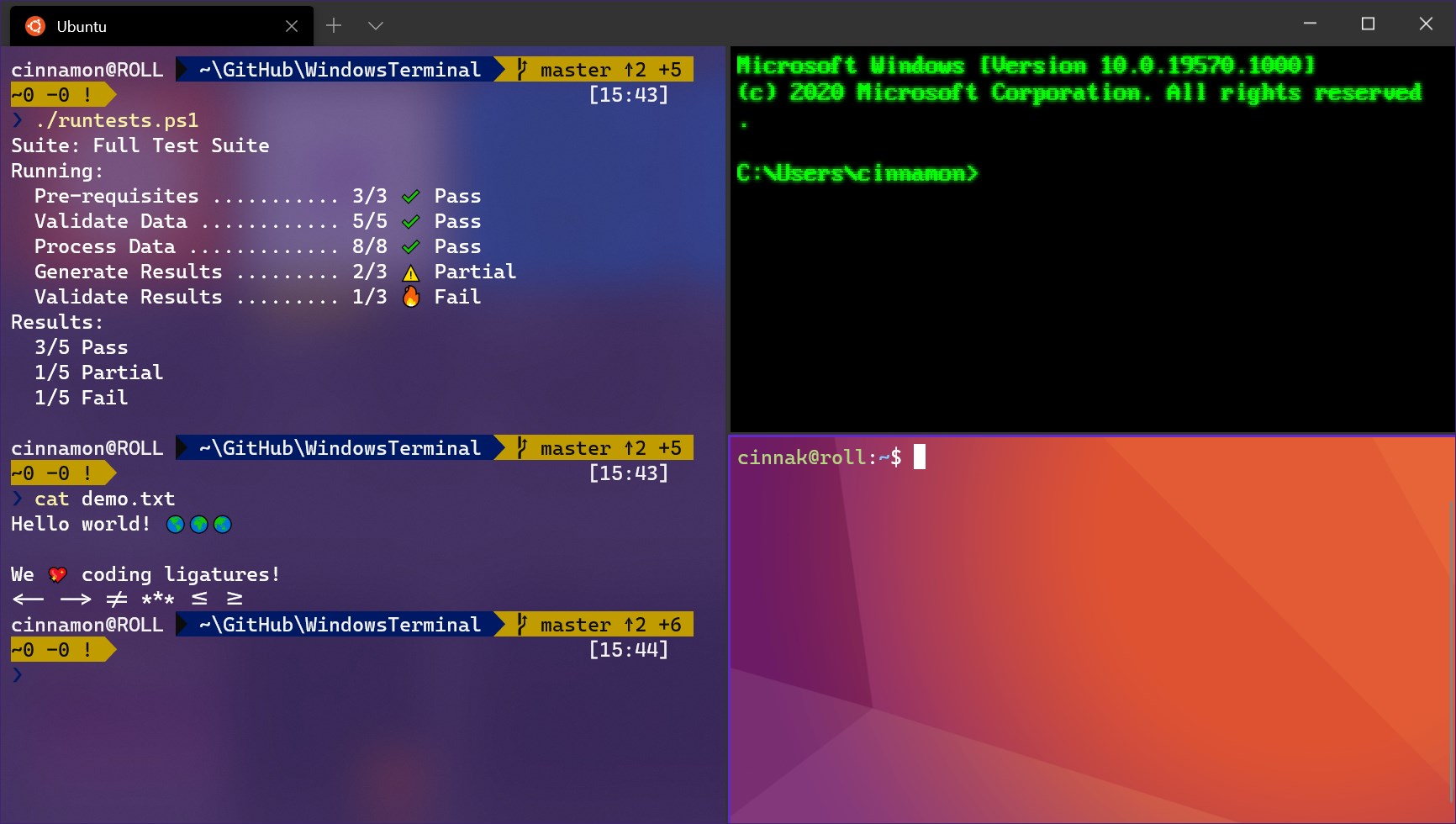
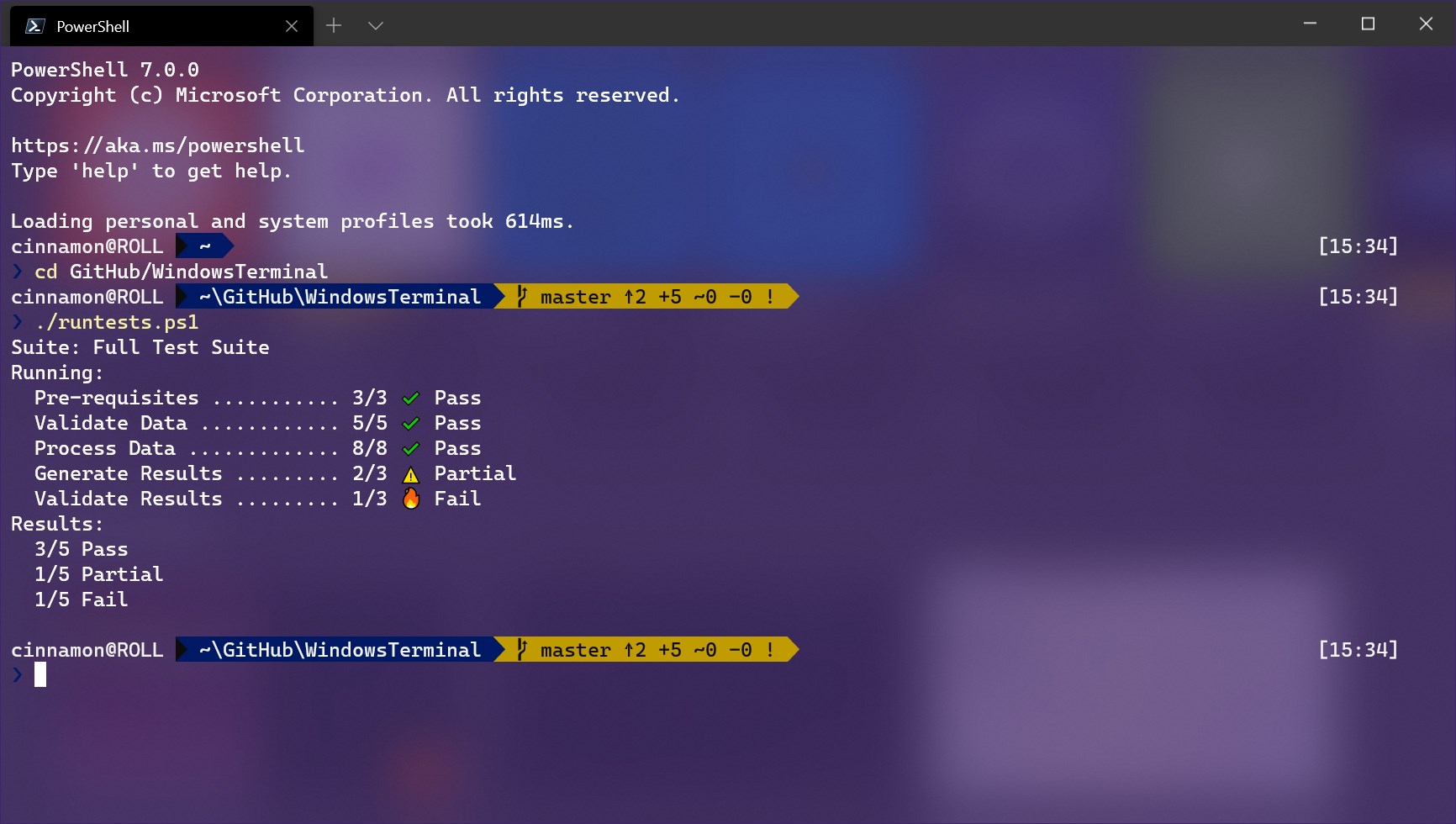
Instead of juggling separate windows for different shells, this modern application brings them all under one roof. It is built to maximize productivity with a fast, GPU-accelerated text rendering engine that displays complex characters, symbols, and programming ligatures flawlessly.
Key Features for Power Users
- Multi-Tab and Split-Pane Layouts: Organize your workspace by opening multiple tabs or splitting a single tab into side-by-side panes for simultaneous monitoring.
- Unicode and UTF-8 Support: Display a massive variety of characters, emojis, and non-Latin scripts effortlessly.
- Deep Personalization: Configure custom themes, unique window styles, background images, and custom key bindings to match your development workflow.
- Open-Source Collaboration: Developed transparently with active community contributions on GitHub to ensure constant modern updates.
An Essential Upgrade for Windows Developers
Whether you are executing simple scripts in PowerShell or running complex build pipelines inside WSL, the Windows Terminal command-line tool provides the performance and flexibility that modern workflows demand. It bridges the gap between legacy console environments and modern design sensibilities.
If you are ready to modernize your development environment, head over to the official Microsoft Store to explore the application and elevate your command-line workflow.